
Deep Dish Dungeon is Steam Deck Verified. What the badge covers, how it runs on handheld, control and text tips, and cloud save notes.
Deep Dish Dungeon Steam Deck: Verified Performance and Controls
Yes. Deep Dish Dungeon is Steam Deck Verified, announced by Behold Studios and Raw Fury on September 30, 2026. Valve tested controller input, 1280x800 display output, legible text, and Proton support. Steam Cloud is enabled, so a run started at your desk continues on the couch. It is not a frame rate promise.
- Status: Steam Deck Verified, announced September 30, 2026, ahead of the October 13, 2026 release.
- Install footprint: 2 GB available space, listed identically for minimum and recommended.
- Linux build: none listed; the store carries Windows and macOS, so Deck play runs through Proton.
- Controller: full controller support plus DualShock and DualSense prompt support.
- Saves: Steam Cloud is on for the Steam release, with achievements and Family Sharing alongside it.
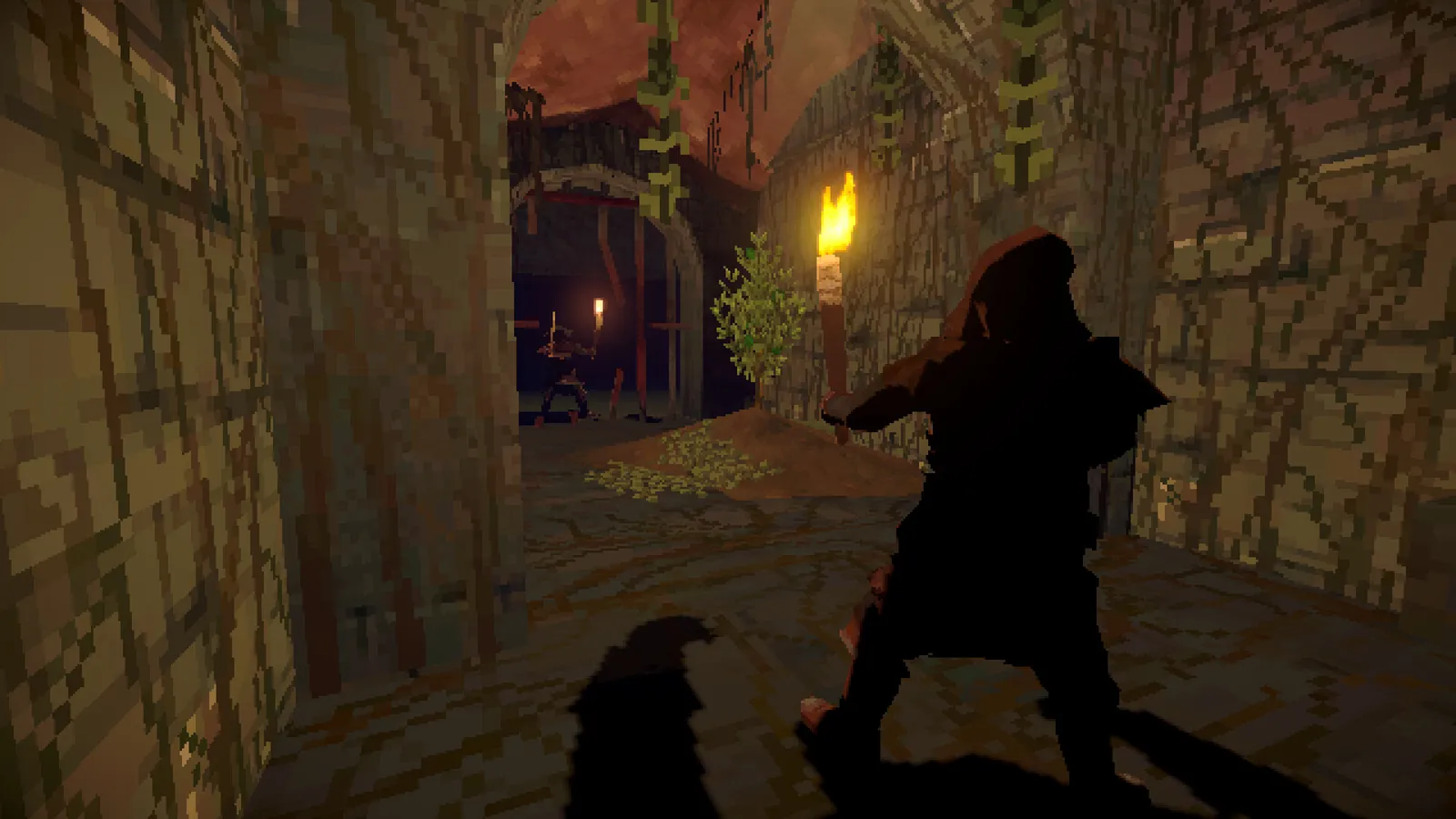
What the Steam Deck Verified Badge Actually Covers
Valve reviews every candidate game against four fixed criteria, and all four have to pass before the Verified badge appears. The list is worth knowing, because it shows what the handheld version has been checked for and what nobody checked at all.
| Valve criterion | What is checked | What it means for Deep Dish Dungeon |
|---|---|---|
| Input | Full controller support, correct input icons, on-screen keyboard when typing | Prompts follow the Deck layout instead of keyboard letters |
| Display | Default resolution of 1280x800 or 1280x720, sensible defaults, legible text | No resolution tinkering before your first expedition |
| Seamlessness | No compatibility warnings, any launcher navigable with a controller | Fewer interruptions when you pick the Deck up mid-trip |
| System Support | Game and middleware supported by Proton, anti-cheat included | The Windows build is expected to behave under Proton |
Four ratings exist in total: Verified, Playable, Unsupported, and Unknown. Playable is the category where a game needs manual tweaks such as a community controller config or a touchscreen launcher. Deep Dish Dungeon sits in the top tier, and Valve states that ratings hold for both LCD and OLED models, so an OLED owner is not reading a different verdict.
Official source: Steam Deck Verified program defines the four criteria and the four categories quoted above.
Valve's own wording is that a Verified game works "great on Steam Deck, right out of the box." No frame rate target is part of the program, and the developer has not published one for handheld play. Treat the badge as a compatibility floor, then confirm smoothness on your own unit.
Deep Dish Dungeon on Deck: The Verified Facts
Two pages carry the handheld story, and both agree. The Steam news post from the studio is the announcement itself, and the Steam Deck compatibility page for the game is where the current rating lives. If the rating changes after a patch, it changes there first.
| Item | Value |
|---|---|
| Verified status | Verified, announced September 30, 2026 |
| Release date | October 13, 2026 |
| Steam features | Single-player, online co-op, cross-platform multiplayer category, achievements, Steam Cloud, Family Sharing |
| Controller support | Full controller support, DualShock and DualSense support |
| Store price at launch | $14.99, discounted 15 percent to $12.74, offer ending October 27 |
| Languages | 11, interface and subtitles only, no full audio |
Official source: Deep Dish Dungeon is Steam Deck verified is the September 30, 2026 announcement credited to Behold Studios and Raw Fury.
The announcement is short: dive into the dungeon wherever you are, solo or with friends. It carries no frame rate, battery, or settings figure, so any handheld performance number quoted elsewhere is somebody's measurement on their own unit, not an official target.
Official source: Deep Dish Dungeon on Steam carries the feature list, price, languages, and the 2 GB storage row used above.
Install Size, Proton, and the Linux Question
Storage is the least dramatic part of this page and the most useful. The Steam store lists 2 GB available space in both the minimum and recommended rows. On a 64 GB Deck model, where the internal drive fills quickly, that leaves an SD card almost untouched.
| Question | Answer |
|---|---|
| Native Linux build | Not listed on the store; Windows and macOS only |
| How Deck plays it | Through Proton, the compatibility layer Valve tests under System Support |
| Install size | 2 GB available space, per the store |
A missing native build is not a red flag here, because Proton system support is one of the four Verified criteria, middleware and anti-cheat included. The honest caveat is that Linux players run the Windows build through a translation layer rather than a purpose-built one. The platform split on the system requirements page covers which build exists where.
Controls and Readability on a Small Screen
Text legibility is the criterion readers skip and the one that decides whether a long session stays comfortable. Valve's display check requires legible text at the Deck's native 1280x800, and this game leans on reading: recipes, item names in a cramped inventory, prompt text at a mechanism. The store lists 11 interface and subtitle languages and no full audio track, so dialogue arrives as text.
Input support goes past the minimum. Alongside full controller support, the store lists DualShock and DualSense support, the kind of detail that usually shows up as correctly labeled buttons rather than a generic gamepad layout. Valve also requires the on-screen keyboard to appear on its own when a text field needs typing.
Patch 1.0.47.0 on October 15, 2026, shipped two fixes handheld players feel immediately: the game now starts in native fullscreen instead of a leftover window size, and controller prompts now show the rotation buttons for the items the dungeon asks you to rotate. The same patch enlarged the OK and Cancel dialog buttons whose labels were getting cut off.
Official source: Patch 1.0.47.0 notes list the Deck fullscreen fix and the controller prompt fix for rotation buttons.
Before your first deep run, check three things in the Steam Deck menus rather than in the game: the FPS limit in the performance section of the Quick Access menu, screen brightness, and whether the text size at 1280x800 is comfortable in the inventory. Deal with comfort once at the surface, not while a torch is burning down in a dark corridor.
Cloud Saves, Achievements, and Handheld Co-op
Steam Cloud is listed among the game's features, so save files move between your desktop and the Deck through Steam rather than a manual copy. Let the sync finish before you shut the handheld down. Achievements and Family Sharing sit in the same feature list, so both follow normal Steam rules.
| Storefront | What the handheld situation looks like |
|---|---|
| Steam | Verified on Deck, Steam Cloud saves, achievements, Family Sharing |
| Xbox store version | Play Anywhere covers Xbox console and Windows PC, not a transfer to Steam |
| Free demo | A separate Steam app; a control and comfort test, not a performance benchmark |
Co-op is online for up to 2 friends, a party of 3 total, per the store wording. The store also carries a cross-platform multiplayer category, but that metadata does not spell out Steam-to-Xbox play, and no official page reviewed here confirms it, so organize handheld sessions inside one storefront. The co-op multiplayer guide tracks that wording conflict in detail.
Two practical notes for a handheld party. Steam lists in-game chat, so typed coordination works, but voice chat outside the game is far easier on a Deck. Torch discipline also gets harder in co-op, and the beginners guide covers the light and food pacing a trio burns through fastest.
Test the Demo Before You Judge the Controls
The free demo is the cheapest way to find out whether the controls feel right in your hands, and it needs almost no card space. The demo is a separate Steam app, so treat the trial as a control and comfort audit rather than a preview of final performance. Demo builds lag behind release builds, which is why the demo guide is careful about what the slice does and does not represent.
One honest point about the badge itself: the Verified announcement covers the full game's Steam release. Because the demo is its own app, the rating on the full game is not automatically a rating you can read for the trial version. Play the demo to test button comfort, then check the compatibility page before buying.
What Verified Does Not Promise
Four gaps are worth stating plainly, because the badge sounds broader than it is.
- No frame rate or battery figure. Neither Valve nor the studio publishes one, so numbers quoted elsewhere are somebody's measurement on their own unit and settings.
- No coverage outside Steam. The rating describes the Steam release on Deck, not the Xbox version on handheld PCs, macOS performance, or any future port.
- No promise about future patches. Valve's review reflects the build it tested, and the rating can be revised.
- No removal of Proton overhead. With no native Linux build listed, the game runs the Windows version through a translation layer. That is what the system support criterion tests, but it is still a layer.
A Verified game can be re-reviewed, and the October 15 patch already touched Deck startup behavior. After a big update, open the game's Steam Deck compatibility page on Steam rather than trusting a screenshot of the badge from launch week.
FAQ
Is Deep Dish Dungeon Steam Deck verified?
Yes. Behold Studios and Raw Fury announced the Verified rating on September 30, 2026, and Steam's compatibility page for the game shows Verified. Valve's criteria cover input, display, seamlessness, and Proton system support.
Does Deep Dish Dungeon run natively on Linux?
No native Linux build is listed. The Steam store lists Windows and macOS, so Deck play goes through Proton, which is the path the Verified system support criterion tests.
Do my saves sync between my PC and my Steam Deck?
Steam Cloud is enabled on the release, so Steam handles the upload and download. Let the sync finish before shutting the Deck down, and do not assume the demo behaves the same way.
How much space does the game take on a Steam Deck SD card?
2 GB available space, per both the minimum and recommended rows on the store page. Even on a 64 GB Deck the install is not the problem.
Can I play co-op on the Deck with friends on PC?
Yes, co-op is online for up to 2 friends, 3 players total, per the store wording, and Steam covers PC and Deck under one storefront. Cross-store play with Xbox is not confirmed by any official page reviewed here.
Why does the game feel rough if it is Verified?
Verified measures compatibility, not tuning. Launch-week patches are still landing, and the October 15 patch already fixed Deck startup and rotation prompts. Adjust the FPS limit and brightness in the Deck menus before blaming the game.
Related Guides
- System Requirements — the platform split and the honest state of the spec table.
- Co-op Multiplayer — party size, platform paths, and the unresolved store wording.
- Demo Guide — the free trial slice to test controls and comfort before you buy.
- FAQ — quick answers on price, saves, platforms, and launch timing.
More Deep Dish Dungeon Guides
The Deep Dish Dungeon demo is free on Steam for Windows with no time limit. Download steps, demo content, v1013 notes, and save transfer rules.
Handcrafted dungeon with no map or compass. Navigate by landmarks, lighting, shortcuts and vertical links, plus tool-gated paths and safe routes.
Demo enemies include archive skeletons, with 15 variants across 5 kinds per community datamine. Verified encounters, honest counters and patch caveats.
Deep Dish Dungeon FAQ: October 13, 2026 launch, free demo rules, price status, Game Pass, saves, map, co-op size, Mac, and cooking explained.
Clay matters early for crafting and camp upgrades. Where players report finding it, what it builds, and honest notes on unverified spots.
Saving works mid-run: stop, save and load later. How save files behave, what carries into the full game, and co-op progress notes.
Your inventory is small on purpose. Slot pressure, what to carry, backpack and death pack rules, and where your loot goes when you die.
What press and players say about Deep Dish Dungeon difficulty, friction, co-op and value, plus who should wait a patch before buying.